
Build AI Agent Studio Agents with the AI Studio CLI and a Coding Assistant
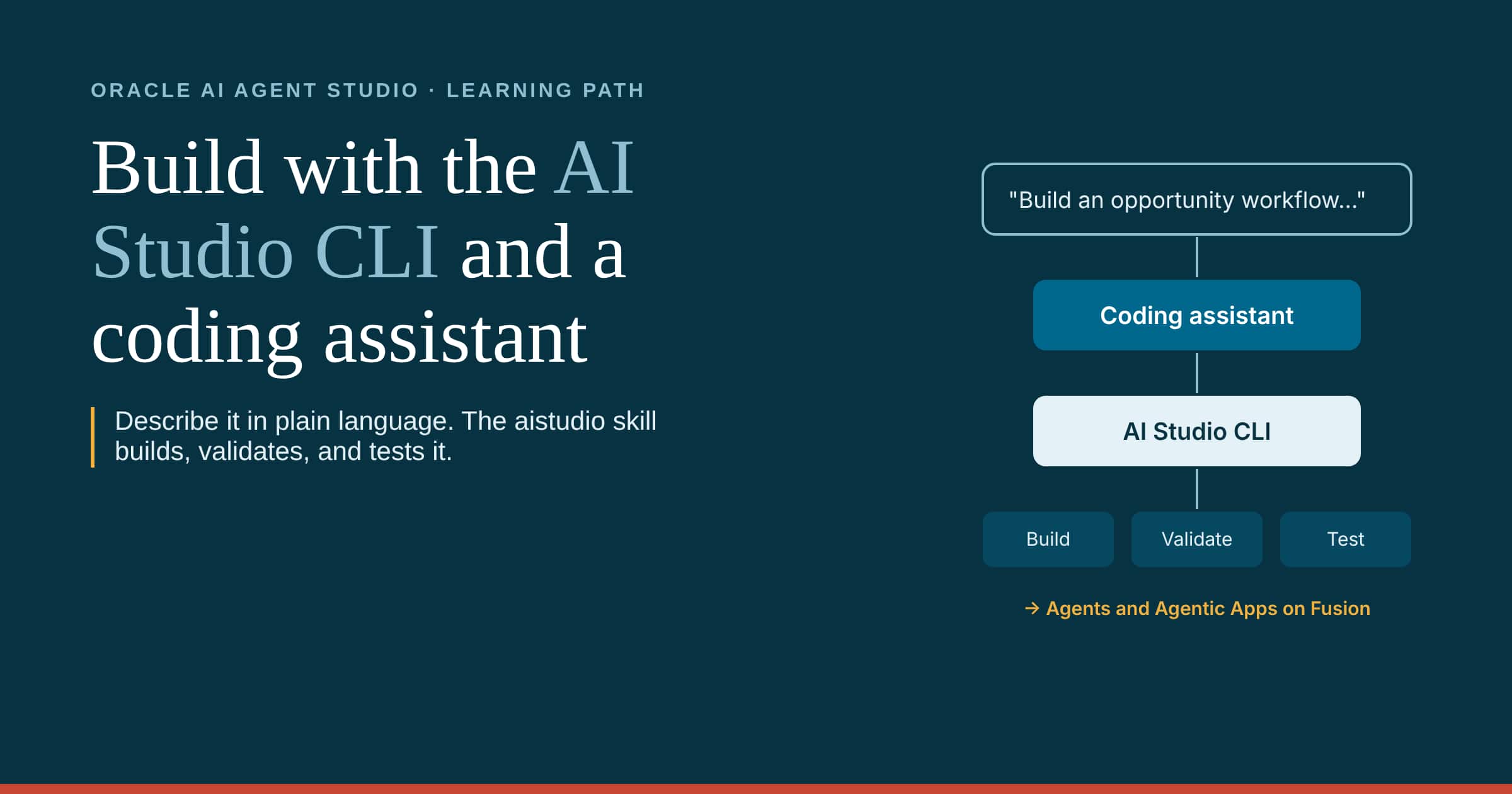
Welcome to the learning path for the Fusion AI Agent Studio CLI. This blog series is for developers and technical builders who want to create workflows, agents, Business Objects, and Agentic Apps by describing them to a coding assistant such as Codex, Claude Code, Google Antigravity, or GitHub Copilot in agent mode. With the project skill available, the assistant uses the aistudio skill to run the AI Studio CLI, which builds, validates, and tests each artifact as a file in your project.
New to AI Agent Studio? Start with the Learning Path for Fusion AI Agent Studio. Building Agentic Apps? See the AI Agentic Apps Learning Path.
Each article below stands on its own, with worked examples, requests you can copy into your coding assistant, and the practices that take an agent from a working demo to something that runs reliably across the enterprise.
1. Overview and Getting Started
- Part 1: Why Build with the AI Studio CLI and a Coding Assistant
- Part 2: Inside the aistudio Skill
- Part 3a: Access Fusion AI Agent Studio using OAuth
- Part 3b: Pro-Code Builder Experience
- Part 3c: Fusion AI Agent Studio CLI: Google Antigravity
- Part 3d: Work in VS Code with the Fusion AI Studio Extension
- Part 4: The Development Lifecycle with the AI Studio CLI
- Part 5: Write a Request That Builds the Right Thing
2. Building with a Coding Assistant
- Part 6: Build a Workflow with a Coding Assistant
- Part 7: Extend a Workflow to Support a New Scenario
- Part 8: Build an Agentic App with a Coding Assistant
- Part 9: Extend the Agentic App
3. Testing with ATLAS
- Part 10: Test What You Build with ATLAS
4. Run, Debug, and Release
- Part 11: Run, Debug, and Release
- Part 12: Best Practices for Building with the AI Studio CLI
5. Reference
6. Resources
Documentation
- Use AI Studio Command Line Interface (CLI)
- Test a Workflow or Agentic Application Created or Edited with AI Studio CLI
- Integrate Applications and Workflows with CI/CD
- All about Fusion AI
Events and Sessions
- September 2026 (recording) – CLI, VS Code usage guidance for Oracle Demo Environments
- Let’s Talk Tech: The Pro-Code Builder Experience
Start Building with the AI Studio CLI
Follow the articles in the order shown, or jump to the one you need. Each hands-on article includes requests you can copy into your coding assistant.