
(02-Feb-2026 Update: Added summary information in the introductory paragraph about this blog article.)
This is the third installment in a series of blog articles to highlight recommended security guidelines and features for Oracle E-Business Suite (EBS). This article highlights the recommendation to review and apply Critical Patch Updates and Security Alert fixes without delay.
Apply Critical Patch Updates and Fixes for Security Alerts
The primary program for the release of security fixes for Oracle E-Business Suite is the Oracle Critical Patch Update (CPU) program. CPUs are released on a quarterly basis. Security Alerts are released on an as needed basis. Oracle always recommends applying all fixes for Critical Patch Update security patches and Security Alerts without delay.
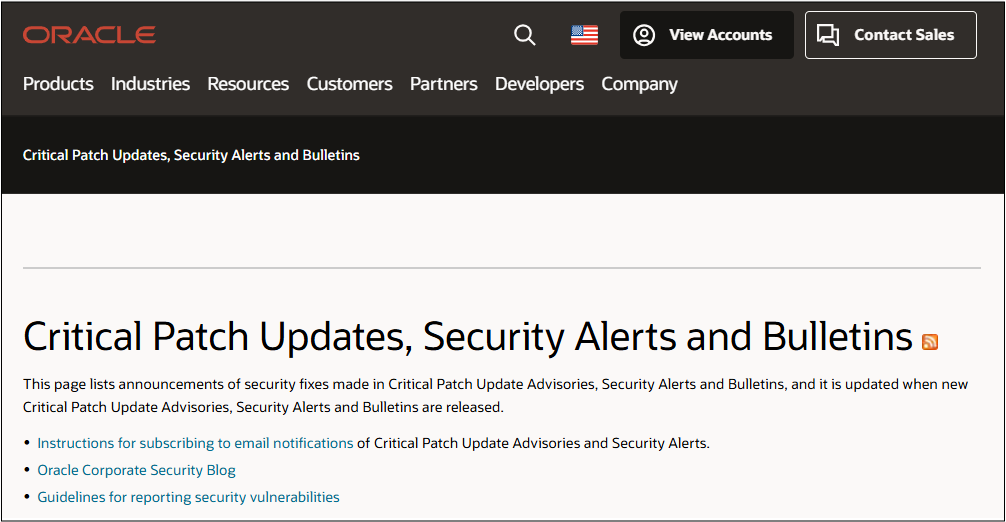
For more information about the Oracle CPU program, refer to the Critical Patch Updates, Security Alerts and Bulletins page.
To find the latest Oracle E-Business Suite CPU, see Identifying the Latest Critical Patch Update for Oracle E-Business Suite Release 12.2 (MOSFS Article ID KA923, Formerly MOS Doc ID 2484000.1)
Create a Plan for Your Organization
To manage CPUs and Security Alerts effectively, designate an individual or team in your organization to subscribe to email notifications and updates per the following: Instructions for subscribing to email notifications of Critical Patch Updates and Security Alerts
Define the process for the responsible person or team in your organization to review Critical Patch Updates, Security Alerts and Bulletins and the EBS CPU MOS Note upon release and apply the required fixes.
Security Guidelines and Recommendations: Where to Begin?
For information on EBS security guidelines, security features, certifications, encryption, or other security-related topics, you should start with the FAQ: Oracle E-Business Suite Security (MOSFS Article ID KA1033, Formerly MOS Doc ID 2063486.1).
The content in FAQ: Oracle E-Business Suite Security (MOSFS Article ID KA1033, Formerly MOS Doc ID 2063486.1) is updated on a regular basis. We recommend that you bookmark this MOSFS Article and review it routinely for updates.
References
- FAQ: Oracle E-Business Suite Security (MOSFS Article ID KA1033, Formerly MOS Doc ID 2063486.1)
- Oracle E-Business Suite What’s New Home Page
- What’s New: Applications Technology 12.2.15
Related Articles
- Oracle E-Business Technology Blog – Security
- EBS Quarterly Update Recommendations
- How Do I Receive the Latest EBS 12.2 and 12.1 Technology News, Updates, and Announcements?
- REMINDER: EBS Security Guidelines and Recommendations – Part 1
- REMINDER: EBS Security Guidelines and Recommendations – Part 2
- REMINDER: EBS Security Guidelines and Recommendations – Part 3 (this blog article)
- REMINDER: EBS Security Guidelines and Recommendations – Part 4
- REMINDER: EBS Security Guidelines and Recommendations – Part 5
- REMINDER: EBS Security Guidelines and Recommendations – Part 6