Native actions for OCI services such as object storage, functions, and AI features provide great capabilities that allow you to develop seamless, complex integrations that leverage the benefits of these OCI services. However, these actions are configured within an integration and are usually tied to a region.
Due to this, these actions do not play well with the Oracle-Managed Disaster Recovery automation, which is meant to provide seamless business continuity in the event of a disaster. While this is an important topic for us to automate as part of our disaster recovery story, here is a recommended solution that should be part of your post failover standard operating procedure (SOP).
In this blog, we focus on a solution for integrations that implement object storage.
What This Is Not
- This is not meant to define a disaster recovery strategy for these region-specific OCI services.
- Object storage, which is the focus of this blog – Users should create a separate object storage bucket in a DR region.
Current state
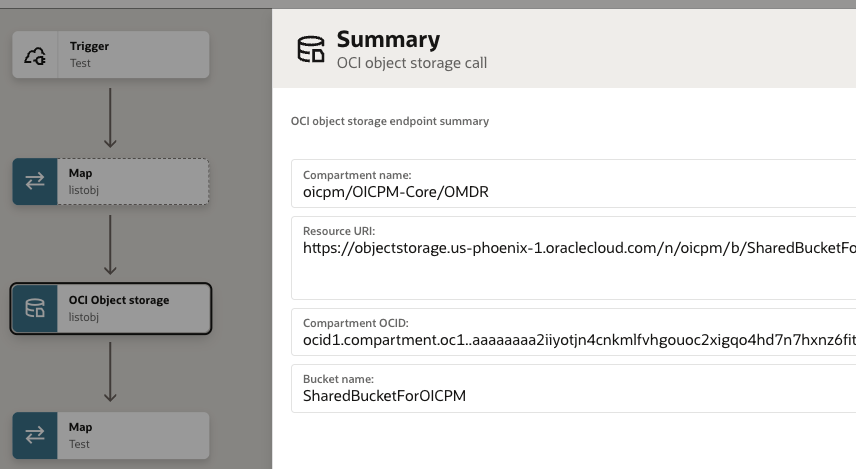
Here is how an integration that uses object storage looks. Notice that the Resource URI is tied to the object storage resource in the region where the integration was developed.
Therefore, with Oracle Managed disaster recovery, this same integration and the configuration will be replicated to the disaster recovery Oracle Integration instance. In the event of a disaster, this integration will not work because it is configured to connect to the object storage bucket in the primary region, which is now unavailable.
Solution
On the Primary Instance
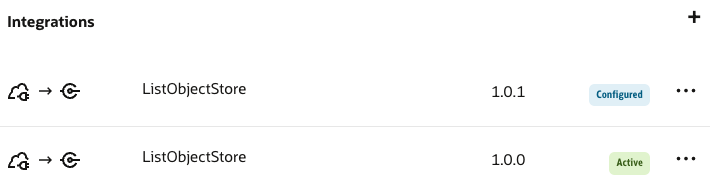
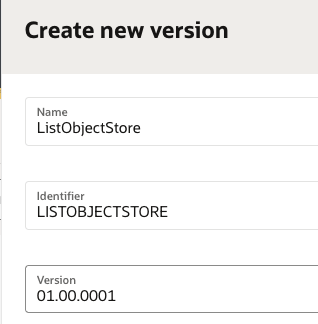
- Create a new minor version of the integration in question.
- Click the Create new version option under the Actions (…) menu of the integration.
This is an important point to note. You need to create a minor version and not a major version.
Failover to the disaster recovery instance
Initiate a failover to the disaster recovery instance by clicking the Start Failover button on the disaster recovery Oracle Integration instance from the OCI Console.
Update the Integration (minor version)
- In the disaster recovery instance, edit the newly created integration (minor version).
- Edit/update the object storage activity, finish the setup, and save the integration.
- This integration (minor version) now points to object storage on the disaster recovery site.
Activate the Integration
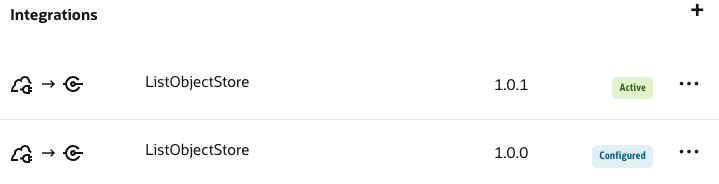
Click the Actions (…) menu of the integration (minor version) to activate this integration on the disaster recovery site.
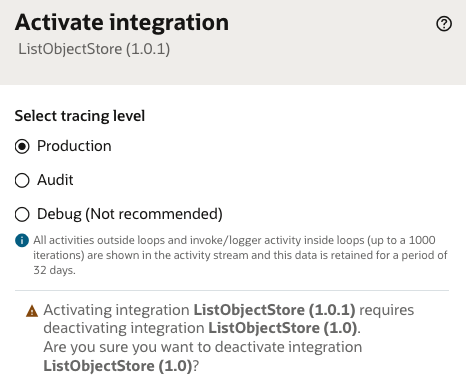
Learn more about minor version activation behavior – here
Standard operating procedure
As part of the standard operating procedure in the event of a disaster, the following must be ensured.
- The minor version integration should be activated when a failover is initiated and the disaster recovery instance is active.
- The main integration (major version) should be activated when a failback is completed and the primary instance is active.