
Building on Streamline Your DevOps, I will demonstrate how to automate integration promotion between two Oracle Integration 3 instances using Jenkins as the DevOps tool for automation. Note that you can use any DevOps tools with the Oracle Integration API for this automation.
Prerequisite:
- Generate a token for your OIC3 environments by following this step-by-step video guide, which explains the process in detail. Be sure to generate tokens for both the source and target environments. To ensure the process works, test it using a tool like Postman to verify token generation.
- Develop integrations in a Project. Developing integrations is highly recommended in OIC3.
- Create a deployment configuration file. You can find a sample deployment file here. In my example, I placed deployment file in Git Hub.
Flow Diagram

Steps to Automate deployment
I used following OIC API to achieve complete automation.
Source Environment: –
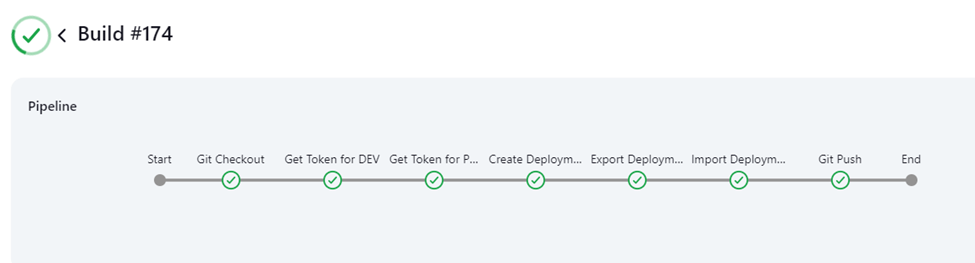
- Create Deployment using Create Deployment API. Creating a deployment is a mandatory step for promoting integrations. Using the deployment configuration file, you can specify which integrations need to be promoted My Deployment config file placed in git.
- Once you create deployment you need to export using Export Project API.
- Then Import Deployment into target environment using Import API. It will create a new project and deployments.
- Use Other API mentioned here for to update, delete or creating new deployment.
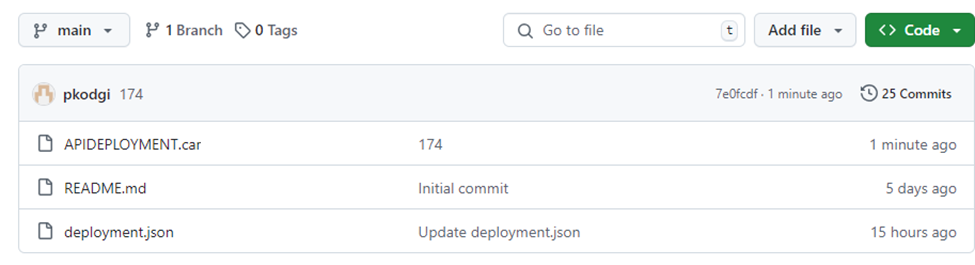
- Finally push deployed (.car) file to Git with build number
Demo:
Let’s see how we can achieve the Automation in Jenkins.
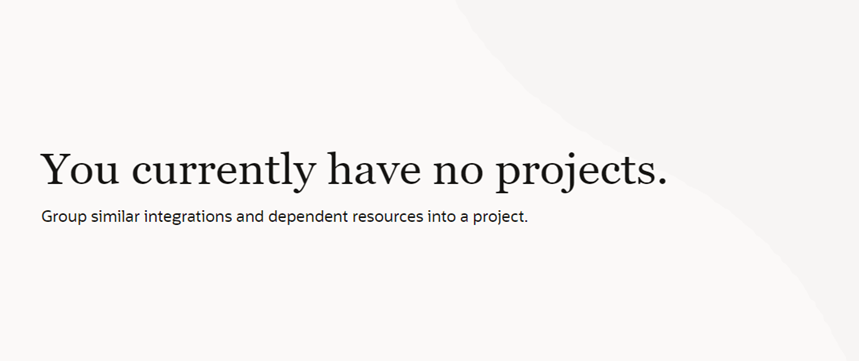
Before Jenkins script executed.
Source Environment: –

Target Environment: –
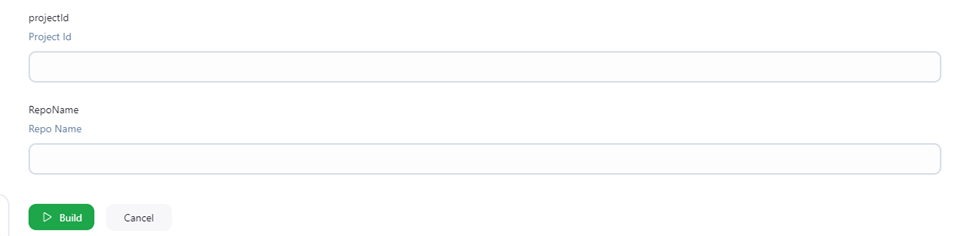
In Jenkins pipeline I used Project Id and Code Repo as Parameters. You can introduce more parameter per your need like source and target OIC instance name.
Build Successful
After script execution new Deployment created in Source (APIDeployment)

Project and Deployment created in Target.


Git hub is updated latest deployment file.
Artifacts:
Jenkins File:
You can find my sample JenkinsFile
Conclusion/Next Steps:
Now that we understand how to promote the integrations in OIC3, we can further accomplish various tasks required by enterprises to Automate the DevOps cycle using OIC APIs, OIC3 projects, and deployments.