
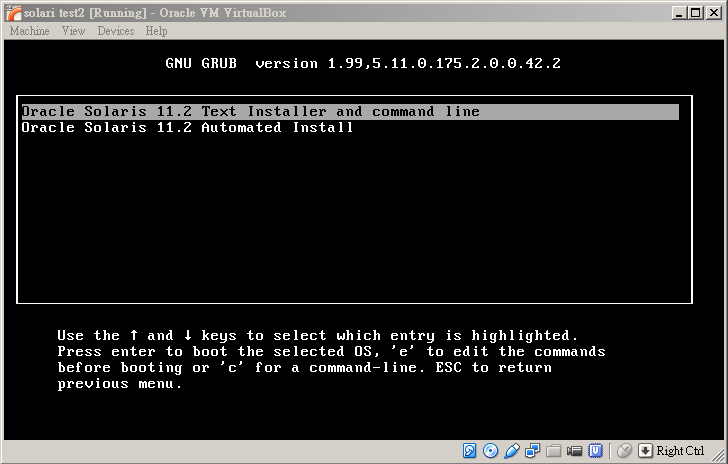
Can we set default choice to “Oracle Solaris 11.2 Automated Install” and shorten timeout value to 5 seconds so that it will be sent to AI automatically and quickly?
In AI, the grub menu was copied from
/etc/netboot/i386-11_2/grub.cfg (i386-11_2 is the install service name)
to
/etc/netboot/grub.cfg.01<mac address without : >
For example, grub menu for a host with mac address 08:00:27:82:9D:49 is /etc/netboot/grub.cfg.01080027829D49, and this file is copied from /etc/netboot/i386-11_2/grub.cfg.
To set timeout value just change “set timeout=30” to “set timeout=5“, and to set default choice to “Oracle Solaris 11.2 Automated Install“, just add a line “set default=1” in bottom of the file (there’s no such line originally). Quite easy, isn’t it?
Actually you can make this change in either of etc/netboot/i386-11_2/grub.cfg or /etc/netboot/grub.cfg.01080027829D49. To make a permanent change you should edit the former so that you will not have to edit files for each client in the future.
As a special note, above procedure applies to Solaris 11.1 and 11.2. However if you still have Solaris 11 11/11 to be installed, the file is /etc/netboot/i386-11_2011_11/menu.lst and the file for a particular client is
/etc/netboot/menu.lst.01<mac address without : >
Corresponding settings in menu.lst are “default 0” and “timeout 30“. Change them to “default 1” and “timeout 5” if you think this helps.