
I have received several emails during the last few weeks from customers mentioning that some tables have not populated into the IM Column Store even if they marked them with INMEMORY PRIORITY CRITICAL.
The answer was easily found once we realized that each of the tables were smaller then 64KB. Tables smaller than 64KB in size are not populated into in-memory, as they will waste a considerable amount of space inside the IM Column Store since memory is allocated in 1MB chunks.
To demonstrate this behavior, we can create a table with two columns and insert one row:
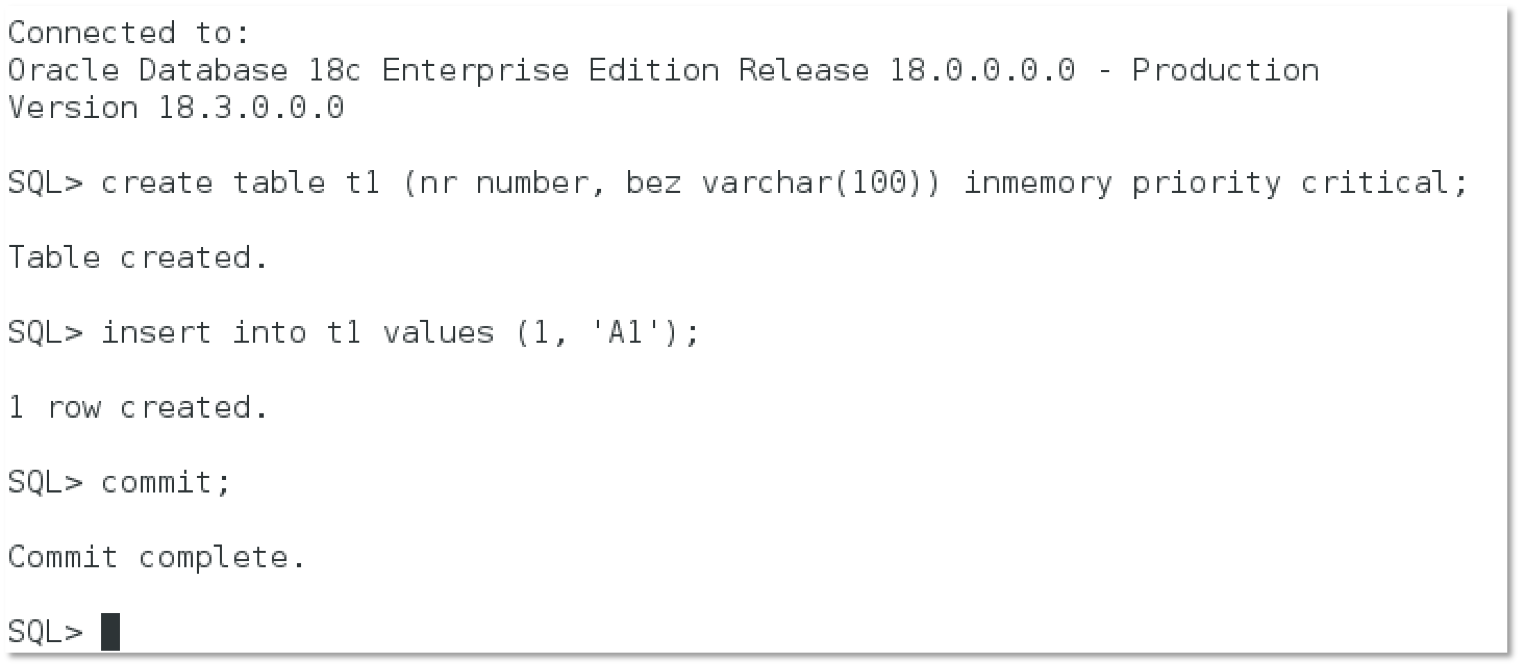
Keep in mind that in this case the INITIAL extent size is 65536 bytes (64KB) in the storage_clause when creating the table.
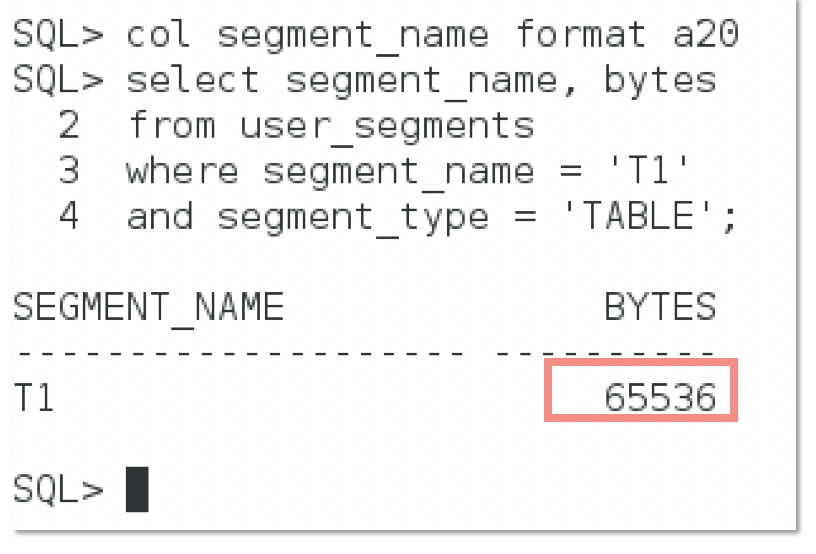
We see the same size when we query the table in the user_segments view:
To figure out if the table has been populated into the IM Column Store we query the view v$im_segments.
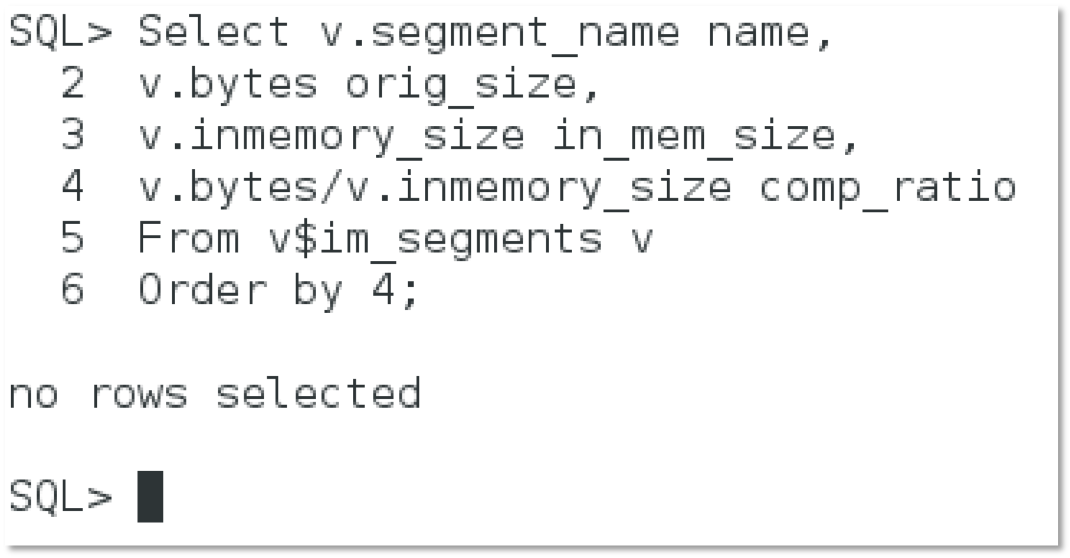
We see that the table has not been populated since the size is under 64KB.
Let’s insert some more rows to increase the size of the table …
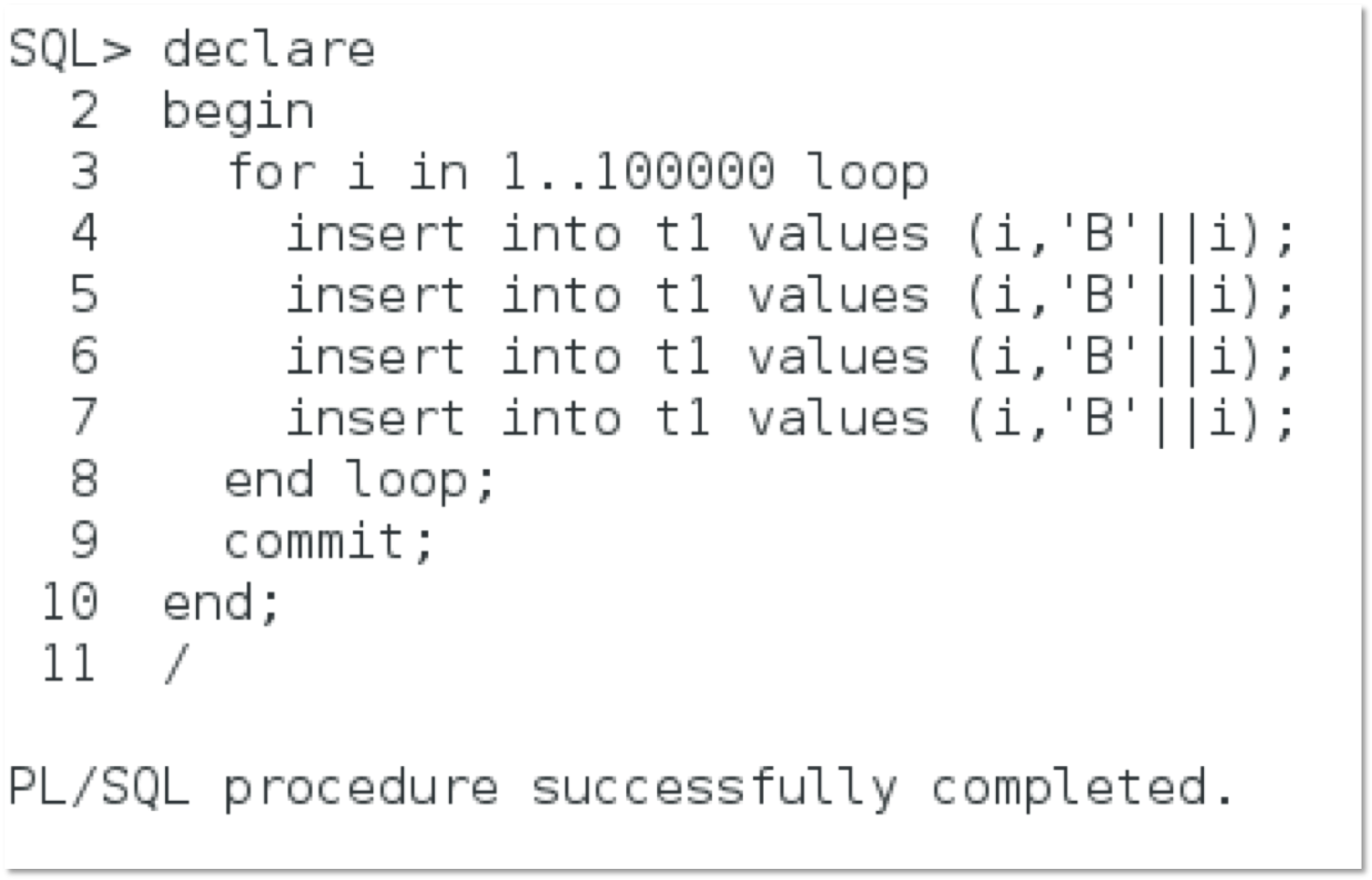
and see what happens.
Again, we query the user_segments view and see that the table has allocated some more extents and is now larger than 64KB:
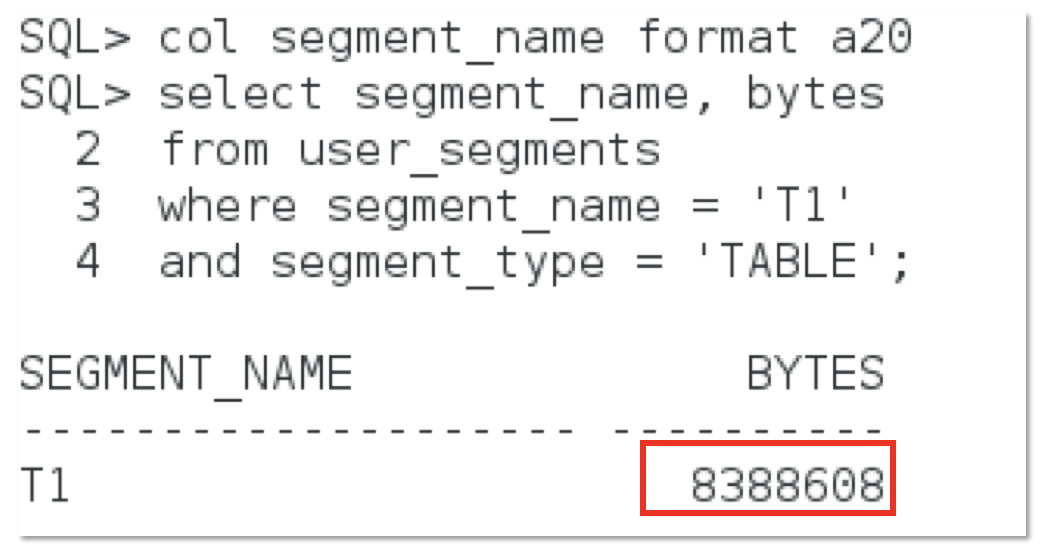
On the next run of the IMCO (In-Memory Coordinator) background process the background worker processes will be triggered to populate the table into the IM Column Store:
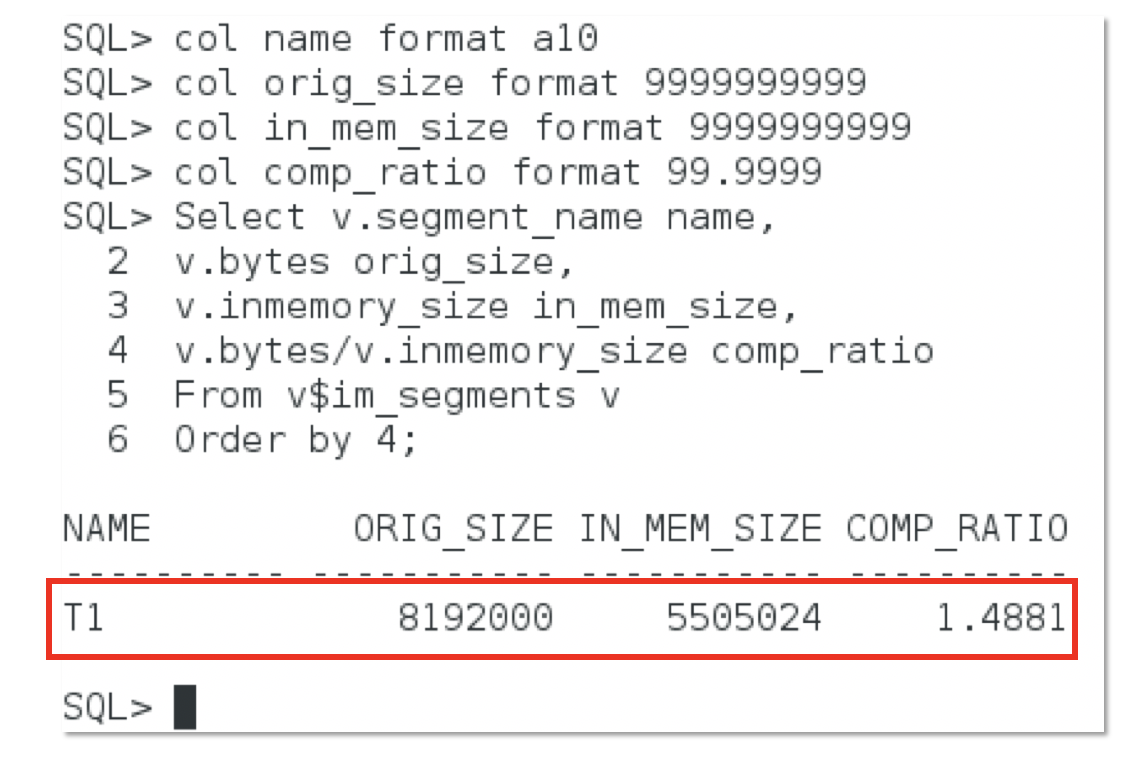
In summary: In order for an object to be eligible to be populated into the IM Column Store it must be larger than 64KB.
Find more restrictions about objects which are not eligible to be populated into the IM Column Store in our White Paper Oracle Database In-Memory with Database 19c – Technical Overview on page 11.
Original publish date: November 13, 2018