
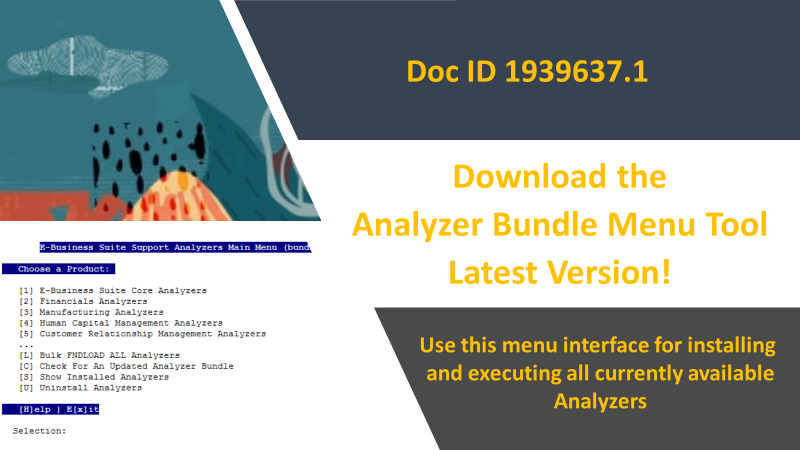
Check out the EBS Analyzer Bundle Menu Tool (Doc ID 1939637.1) to manage your Analyzers. Use the Analyzer Bundle Menu Tool to easily run the analyzers, install some as concurrent programs, assign them to request groups, and check for new and updated analyzers.
EBS Support Analyzers are designed by Oracle Support to proactively assist with diagnosing issues and maintaining Oracle Application environments. The E-Business Suite Support Analyzer Bundle Menu Tool was developed with the following benefits:
Benefits:
- Easy to install and obtain all available EBS Support Analyzers in Index Doc ID 1545562.1
- Convenient way for DBA/SYSADMIN to execute analyzers from a single menu
- Provides a Maintenance methodology for obtaining new and updated analyzers
- Quickly load and register Analyzers as Concurrent Programs (Java Analyzers are not available as Concurrent Programs)
- Menu option shows Analyzers installed as concurrent programs and versions
- Ability to remove and uninstall from the menu
Support Analyzers provide detailed analysis of various product areas like System Administration, Workflow, Manufacturing, Financials, HCM, etc.. Each analyzer is either a Java script or pl/sql package that can be run from java or SQL*Plus. The (non-java) pl/sql analyzers can be setup to run as a concurrent programs. When installed as a concurrent program, users with the proper Responsibility can run and view the analyzer html reports from Concurrent Manager, without needing the APPS password.