Blackmagic Design’s DaVinci Resolve is a popular solution that combines editing, color correction, visual effects, motion graphics, and audio post-production, all in one software tool. Its latest release, DaVinci Resolve Studio 17, supports NVIDIA Ampere GPUs on Linux and Windows systems.
Oracle Cloud offers NVIDIA’s latest Ampere architecture GPUs for the data center, A100 on a powerful bare metal server with 8 GPUs.
Ahead of the pack
Oracle was the first major cloud provider to make NVIDIA A100 Tensor Core GPU on bare metal instances generally available. Oracle’s latest GPU instances enable customers in industries such as automotive and aerospace to run complex, data-intensive, high-performance applications like modeling and simulations more efficiently and at a lower cost than ever before. A100 also outperforms previous generations of GPUs on rendering performance.
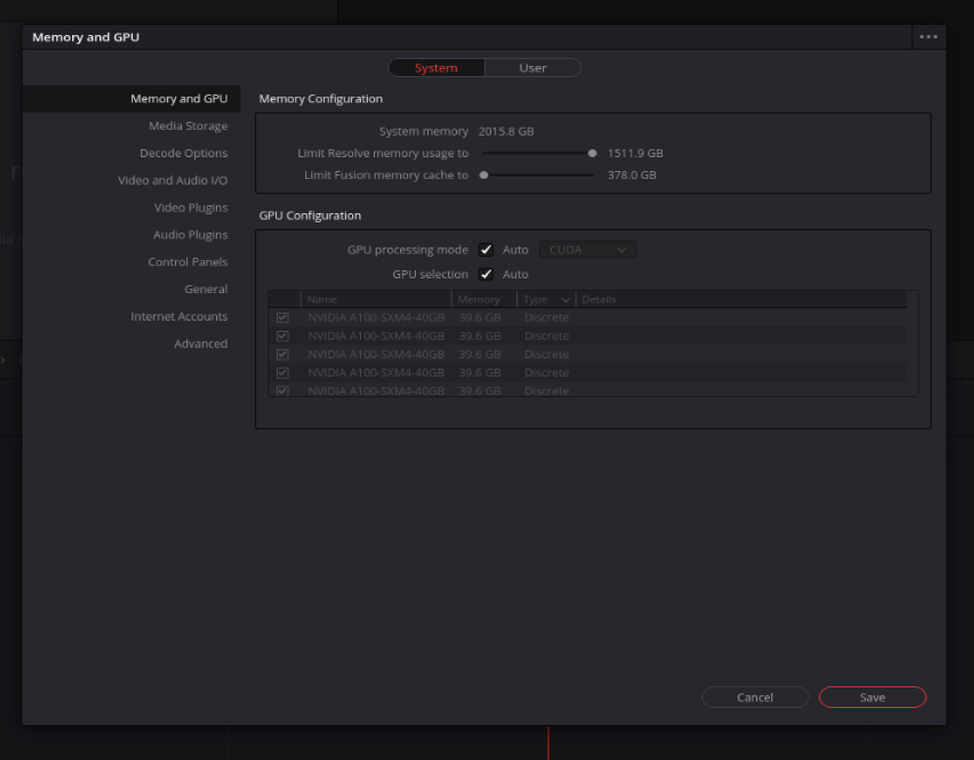
With the latest versions of NVIDIA drivers and CUDA, DaVinci Resolve Studio 17 recognizes the A100 GPUs, as shown in the following screenshot.
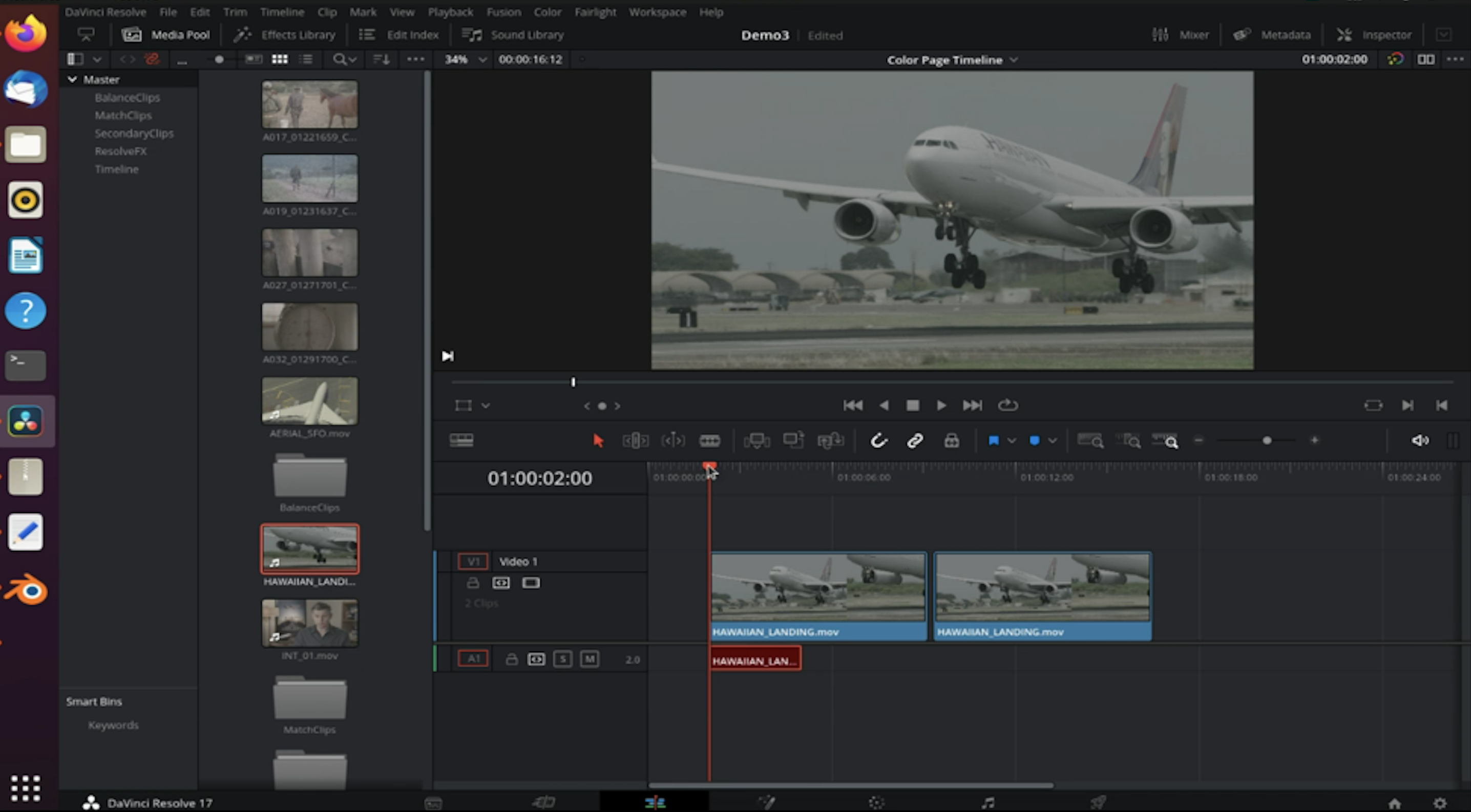
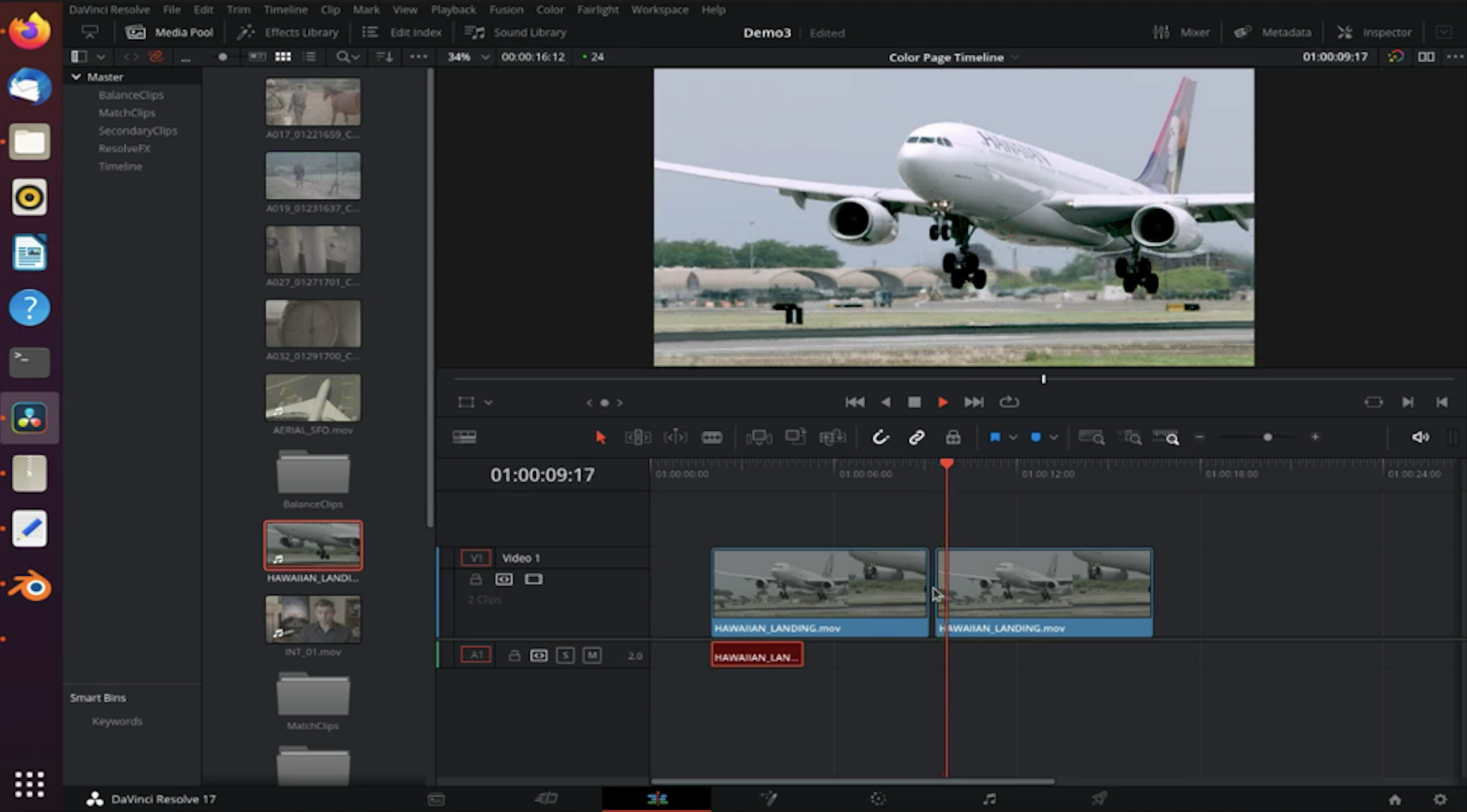
The following before-and-after images show some test runs of DaVinci Resolve Studio 17’s auto color feature on Nvidia A100 GPU server:
You can ensure that DaVinci Resolve can recognize all the GPUs in the server with the steps shown in the following gif:
The following gif gives a quick view of DaVinci in action:
Learn more
For more details on Oracle Cloud Infrastructure’s GPU offerings, see the documentation. To get started on setting up your first GPU VM shape in Oracle Cloud, see VFX on Oracle Cloud with NVIDIA.