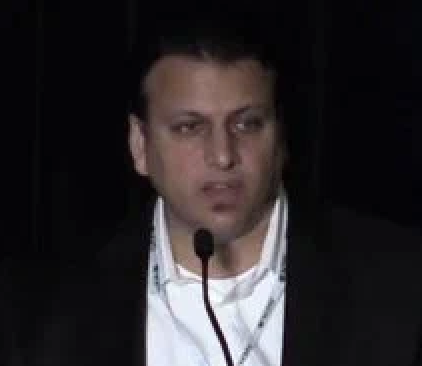

At RECONNECT Dive Deep 2025, Dan Iverson from the PeopleSoft product strategy team provided a comprehensive exploration of Lifecycle Management (LCM) tools and the exciting new Customization Insights capabilities in PeopleSoft.
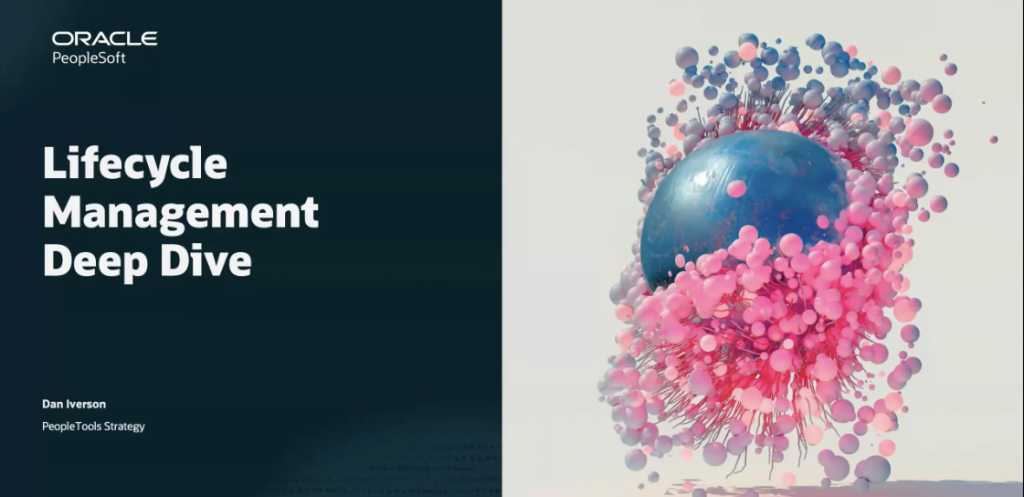
View full recording here.
Here’s an overview of the session’s key takeaways and what they mean for customers looking to optimize their PeopleSoft environments.
Making the Most of Usage Monitor
The recently enhanced PeopleTools Usage Monitor is designed to help organizations collect object-level usage data—such as which PeopleCode objects, records, SQLs, pages, and components are most frequently accessed.
Usage Monitor is now:
- Easier to enable: No need for Performance Monitor setup.
- Flexible: Choose between anonymous mode for production (no user-level tracking) and more granular modes for testing environments.
- Efficient: Minimal performance overhead for production workloads.
By analyzing what’s being used in production versus what was tested, organizations can quickly spot gaps in test coverage and focus on what truly impacts their users.
Lifecycle Automation: PAU and Cloud Manager
Another highlight from the session focused on the PeopleSoft Automated Updates Workflow (PAU) and Cloud Manager.
PAU automates PRP and update image downloads from My Oracle Support, keeping systems current with less manual effort.
Cloud Manager in OCI extends automation: It can provision new update images, migrate configurations, and even decommission old environments automatically.
Hybrid environments—where databases might run on-premises while images live in the cloud—are supported, streamlining lifecycle management for all deployment types.
Introducing Customization Insights
Perhaps the most eagerly anticipated feature discussed was Customization Insights—a new dashboard and set of tools designed to address a perennial customer challenge: understanding, maintaining, and de-risking customizations.
Key Features
- In-application dashboards: These are accessible within your own environments—not PUM (PeopleSoft Update Manager) systems—giving execs and admins a real-time view of customization levels without extra access management.
- Data-driven analysis: Identify which customizations are most used, which are rarely or never used, and which ones are repeatedly impacted by new maintenance releases.
- Historical perspective: See how often customizations have had to be reapplied due to delivered changes, and even forecast which will be affected in upcoming patches.
- Testing support: By importing test and production usage data, teams can visualize gaps and optimize testing efforts, eliminating unneeded test cases for unused customizations.
Getting Started
Customization Insights requires PeopleTools 8.62 and a latest Apps image. A new Change Assistant wizard guides teams through initial setup, database compares, and loading of usage and customization metadata. Maintenance is straightforward—update your App Designer projects and rerun the sync process as your system evolves.
With these tools, PeopleSoft customers can:
- Reduce risk by identifying “expensive” customizations that face frequent retrofitting
- Decrease maintenance and testing overhead by targeting unused or low-impact customizations
- Demonstrate, with real data, the impact of customizations over time to stakeholders
- Seamlessly keep environments updated and secure through automated image and patch management
Final Thoughts
Bringing greater visibility, automation, and intelligence to both routine maintenance and in-depth troubleshooting, the latest lifecycle management tools and Customization Insights mark a significant leap forward for PeopleSoft. By embracing these features, organizations can enjoy more robust, responsive, and cost-effective system management.
For more detailed guides, hands-on tutorials, and announcements about PeopleSoft enhancements, visit the PeopleSoft Information Portal.