
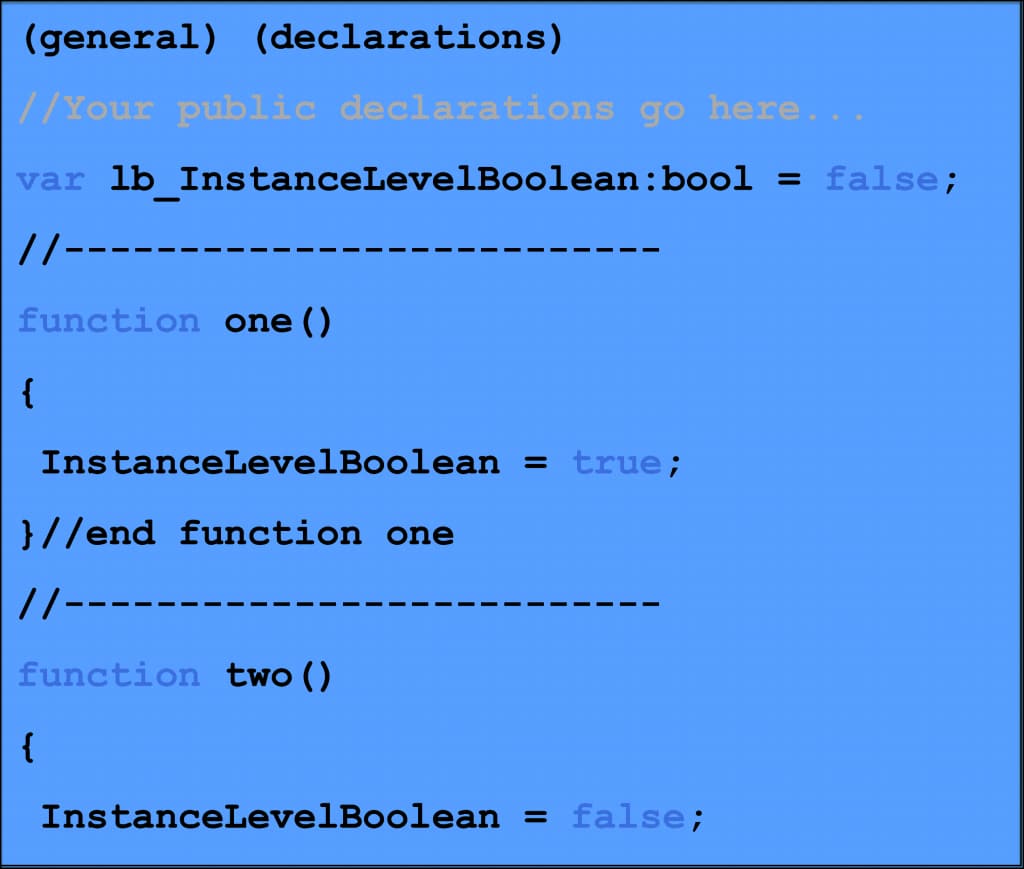
In a script, instance level variables are the variables you declare in the general declarations section of your code. This means any method in your object can see and update them. In workflows, these are called Workflow Process Properties. Every step in your Workflow Process can read from and write to these properties. You can also use them to pass information to sub-processes. They work the same way as instance variables do in scripts.
If you want to pass the value of a Process Property from a parent process to a child process, make sure the Process Property is defined in both the parent and the sub-process. This lets information flow smoothly between them as your workflow runs.
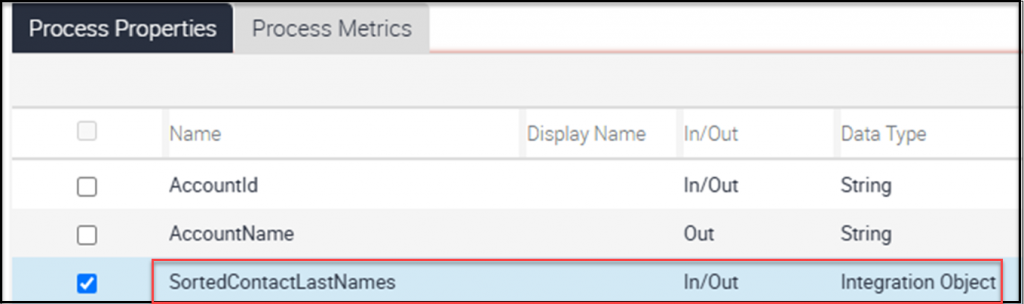
In this example, the SortedContactLastNames Process Property is set up in both the main process and the sub-process. This setup allows information to move back and forth between them. The property is listed as both an “In” and an “Out” property, which means you can send values into the sub-process and also get updated values back out. This is important for sharing information between the main process and the sub-process. In the child process, you just need to define the Process Property the same way.
To pass a Process Property’s value to a Sub Process while your workflow runs, just add an Input Argument to the Sub Process Step. Since you’ve already defined this Process Property in the Sub Process, you can pick it as a “Subprocess Input” and assign it the value from the parent Workflow. This makes sharing information between the main and sub-process simple and straightforward.

In the same Sub Process Step, you can get a value back from the Sub Process by adding an Output Argument. Just select the Process Property from the “Subprocess Output” column. This way, the parent process receives the value that was updated or set in the child process.

Conclusion and Next Steps
When you need an instance-level variable in a script, remember that Workflow Processes offer something similar called Process Properties. These give you the same variable scope, making it easy to store and share information throughout your workflow.