
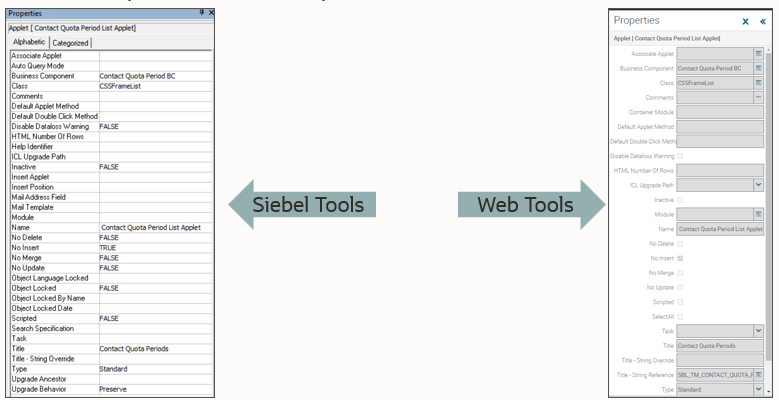
In the Siebel CRM Release Update 25.1, we have provided a much-desired feature in Web Tools called the Properties Pane. Like the pane in Siebel Tools, you can easily view and update the properties for objects selected in the Object List Explorer. This will make a developer’s work easier by eliminating the need to scroll through the properties horizontally in Web Tools.
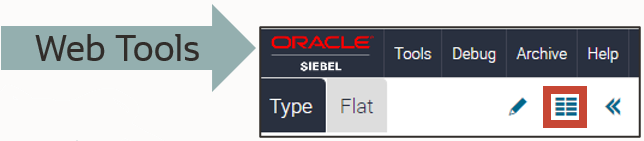
In Web Tools, click the Properties Pane icon to access it.
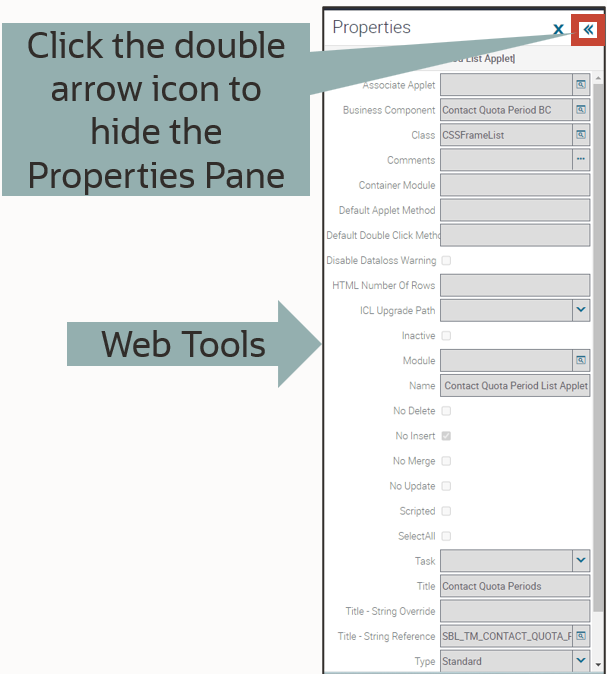
Hiding the Properties Pane is now simple.
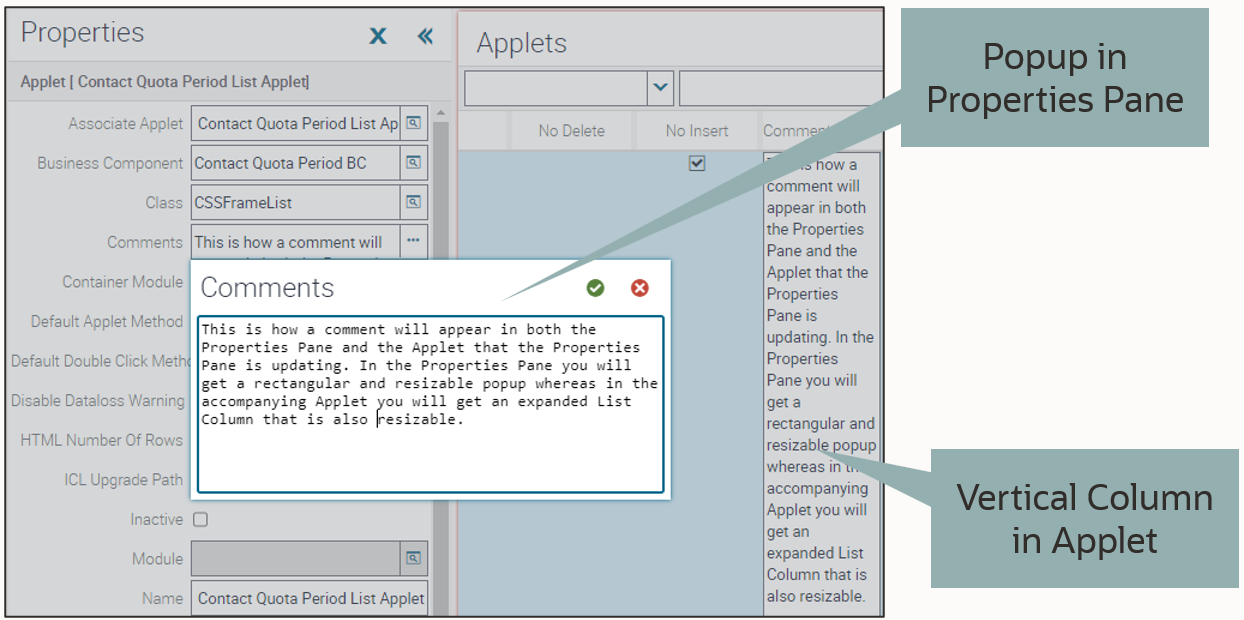
You can notice an improvement on the current user interface in fields that hold a large amount of text. In a List Applet, these fields will expand into a long, vertical column, where the text is difficult to read and requires scrolling to view it fully. In the Properties Pane, the text is put into a well-formatted text box.
We continue to improve developer experience in Web Tools and hope our developer like the return of this key feature.
To learn more about this feature please watch this training TOI.