
OCI GoldenGate provides a fully managed way to run GoldenGate deployments in Oracle Cloud Infrastructure, Azure, and Google Cloud, while still giving users access to many of the configuration patterns they already know from Oracle GoldenGate. In some advanced scenarios, you may want to unlock additional GoldenGate capabilities by referencing a separate configuration file inside an Extract or Replicat parameter file.
Common examples include CHARMAP, OBEY, macro libraries referenced with INCLUDE, and definition files referenced with SOURCEDEFS or TARGETDEFS. A CHARMAP file can define custom character mapping behavior during replication. An OBEY file can store reusable GoldenGate parameter statements. Macro libraries can hold reusable macro definitions, and definition files can provide explicit source or target metadata for specific replication scenarios.
This article shows how to create these configuration files from the GoldenGate console and reference them using the deployment path where OCI GoldenGate stores parameter files.
Before You Begin
In this example, we assume that you already have:
- An OCI GoldenGate deployment for Data replication.
- Access to the GoldenGate deployment console.
- An existing Extract or Replicat where you want to reference a CHARMAP, OBEY, macro, or definitions file.
Create a New Parameter File
Log into the GoldenGate console for your OCI GoldenGate deployment.
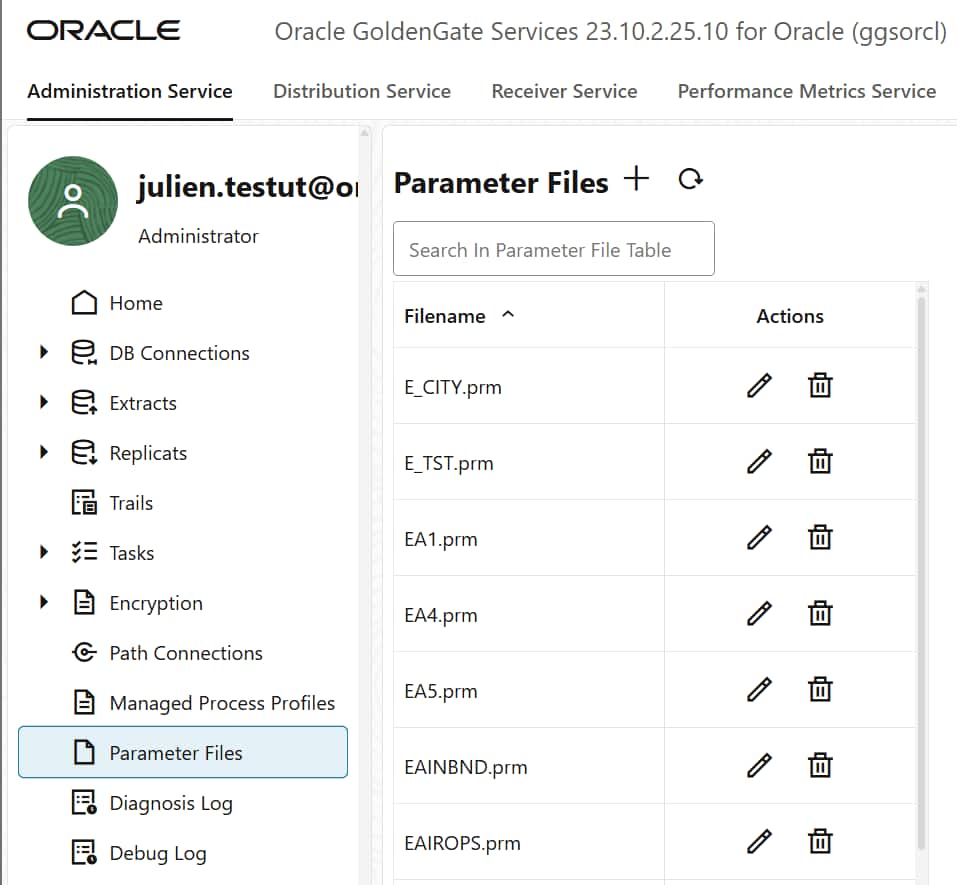
Go to Administration Service, then select Parameter Files.
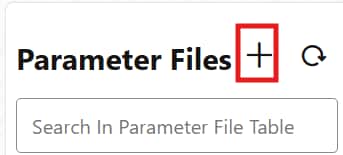
Click on + to create a new parameter file.
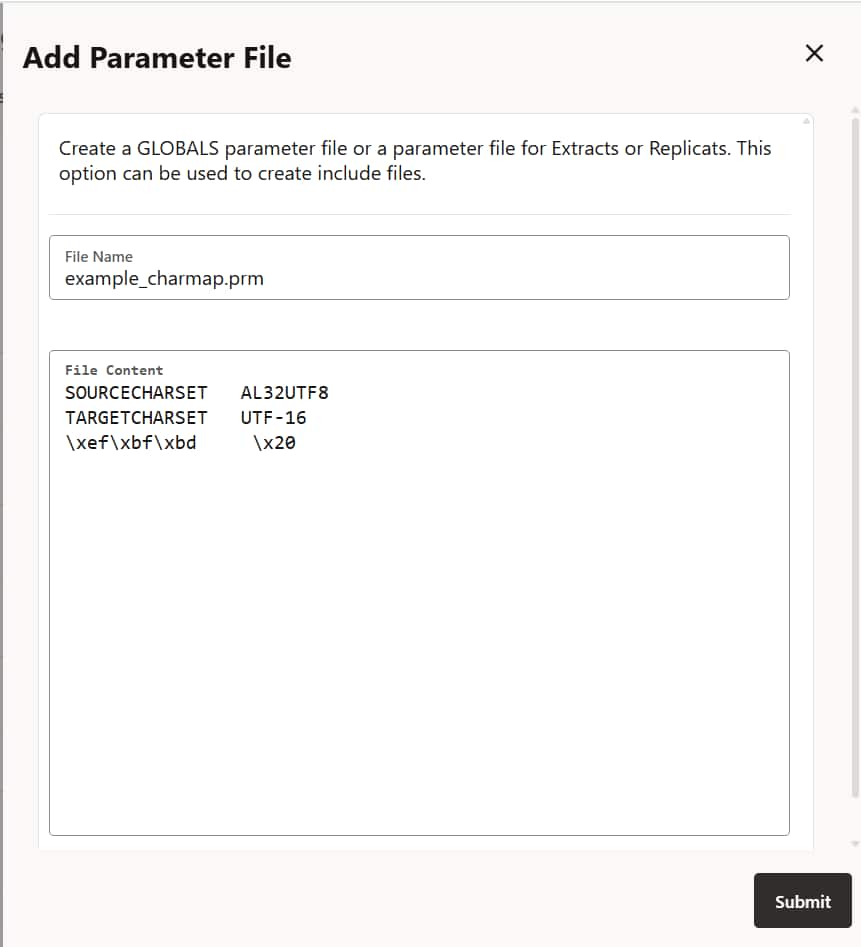
Give the file a name and add the .prm extension at the end. For example:
myPrmFile.prmAdd the content required for your CHARMAP, OBEY, macro library, or definitions file, then save the parameter file. Here is an example for CHARMAP:
Reference the File from an Extract or Replicat
Once the parameter file is created, it can be referenced from your Extract or Replicat parameter file by using the deployment path where OCI GoldenGate stores parameter files:
/u02/Deployment/etc/conf/ogg/For a CHARMAP file, use:
CHARMAP /u02/Deployment/etc/conf/ogg/myPrmFile.prmFor an OBEY file, use:
OBEY /u02/Deployment/etc/conf/ogg/myPrmFile.prmFor a macro library, use INCLUDE. For example:
INCLUDE /u02/Deployment/etc/conf/ogg/myPrmFile.prmFor a source or target definitions file, use SOURCEDEFS or TARGETDEFS. For example:
SOURCEDEFS /u02/Deployment/etc/conf/ogg/myPrmFile.prm
TARGETDEFS /u02/Deployment/etc/conf/ogg/myPrmFile.prm
Validate the Configuration
After saving the Extract or Replicat parameter file, restart the process for the parameter changes to take effect.
Check the process report file from the GoldenGate console to confirm that the parameter file was read successfully and that there are no syntax or path-related errors.
If the process fails to start, verify the following:
- The file name is correct.
- The referenced path starts with /u02/Deployment/etc/conf/ogg/.
- The file content uses valid GoldenGate syntax for the intended use case.
- The Extract or Replicat was restarted after the change.
Conclusion
Even though OCI GoldenGate does not provide direct filesystem access, you can use the GoldenGate console to create GoldenGate parameter files and reference them from your Extracts and Replicats.
This approach can be useful when you need custom character mapping behavior, reusable GoldenGate parameter blocks, macro libraries, or explicit source and target definitions while working within the managed OCI GoldenGate environment in OCI or Multicloud.