
Improve search quality with richer analytics and administrator review, reuse search spaces, and reduce search latency.
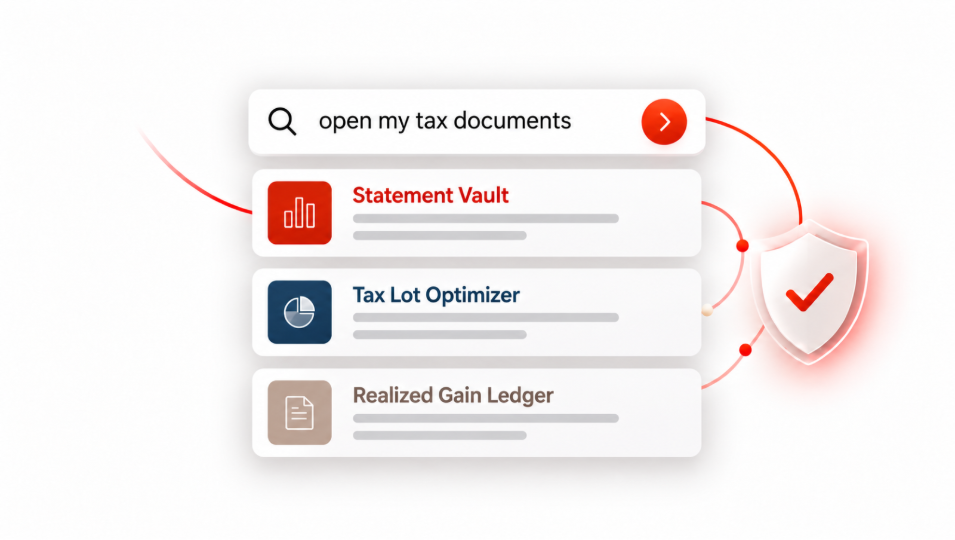
Figure 1. Illustration of an application search interface with curated report cards and application-managed access controls
Oracle Trusted Answer Search maps natural-language questions to curated targets and identifies the input values those targets require. Targets can be URLs, SQL statements, scripts, or MCP endpoints. Targets can be parameterized. Trusted Answer Search provides natural-language search directly within applications.
Trusted Answer Search returns the chosen target(s) to the calling application, along with parameters extracted from the user’s natural language query. The application remains responsible for enforcing the user’s permissions and carrying out each action (such as redirecting the user to the URL returned or calling the MCP endpoint). The result is that the user is provided with a governed and trusted response that best answers their question.
AI agents also increasingly face discovery challenges as enterprise tool catalogs grow. Loading every tool description into an agent’s context adds overhead and can make reliable tool selection harder. Trusted Answer Search lets agents search a curated MCP tool catalog using natural language and discover relevant tools on demand, keeping their context focused.
Oracle Trusted Answer Search 26.3 adds richer search analytics, tools for reviewing search queries, and search-space cloning. Database sessions can share the same ONNX embedding model, reducing search latency by avoiding repeated model loading. Administrators can also use regular expressions to route matching queries directly to a chosen target.
Trusted Answer Search in action
The fictional Demo Brokerage interface shows how Trusted Answer Search maps a natural-language query to a destination URL and infers the URL parameters from the NL question. When a user searches for “my equity allocation,” the first result is Allocation Explorer, with the ASSET_CLASS bind set to EQUITIES. The other results are Portfolio Map and Account Overview, both with ACCOUNT_SCOPE set to ALL_ACCOUNTS.
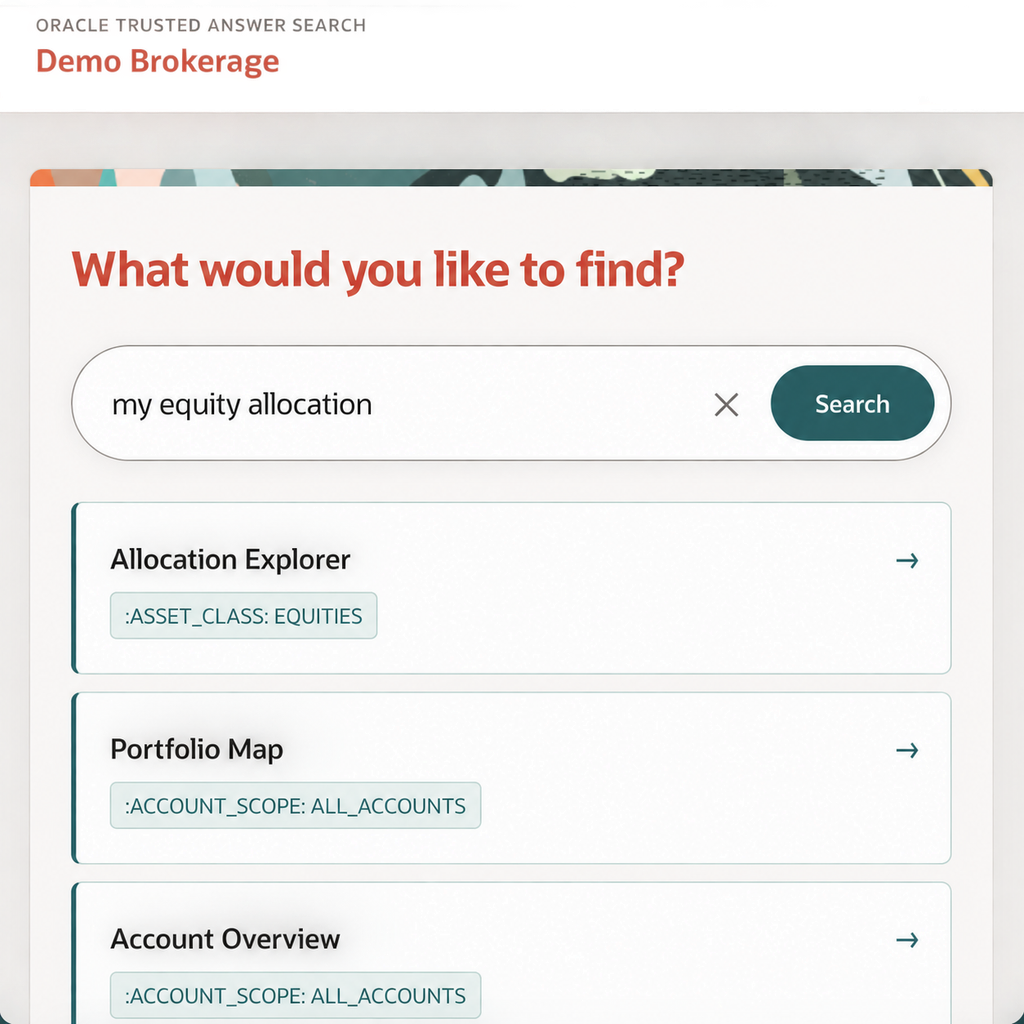
Figure 2. Oracle Trusted Answer Search demo interface showing ranked results and resolved inputs for an asset allocation query
What is new in Oracle Trusted Answer Search 26.3
Monitor search outcomes and performance
New search analytics and telemetry help teams understand how users interact with search. Administrators can review click-through rates, searches with no clicks, user-reported unsuccessful searches, latency summaries, and detailed performance breakdowns. Teams can add queries to evaluation sets to assess proposed refinements.
These insights give teams a clearer basis for deciding which targets, descriptions, sample questions, or target value sets to refine.
Review search queries and guide results
Search-space administrators and experts can flag search queries for follow-up, add review notes, and track resolution. These tools help teams identify questions that need attention and record the actions taken to improve results.
Clone entire search spaces
Teams can clone an entire search space and use it as the starting point for another application or use case. Cloning makes it easier to reuse an established configuration when building a related search experience.
Share the embedding model across sessions
Trusted Answer Search 26.3 lets database sessions share the same ONNX embedding model. This reduces search latency by avoiding repeated model loading.
Route matching queries with regular expressions
Some queries contain a known phrase or follow a predictable identifier format. In 26.3, administrators can define regular expressions to route matching questions directly to a chosen search target.
This gives teams a way to handle specific phrases and structured inputs within their search spaces.
Already in production
Oracle’s internal bug reporting website uses Trusted Answer Search in production. The website is widely used internally. In testing of this internal implementation, measured precision@1, precision@3, and precision@5 were 94%, 97%, and 100%, respectively. Administrators can use feedback and evaluations to help refine results further.
These results reflect the specific internal evaluation and are not necessarily representative of other deployments.
Get started with Trusted Answer Search 26.3
Explore Oracle Trusted Answer Search: