
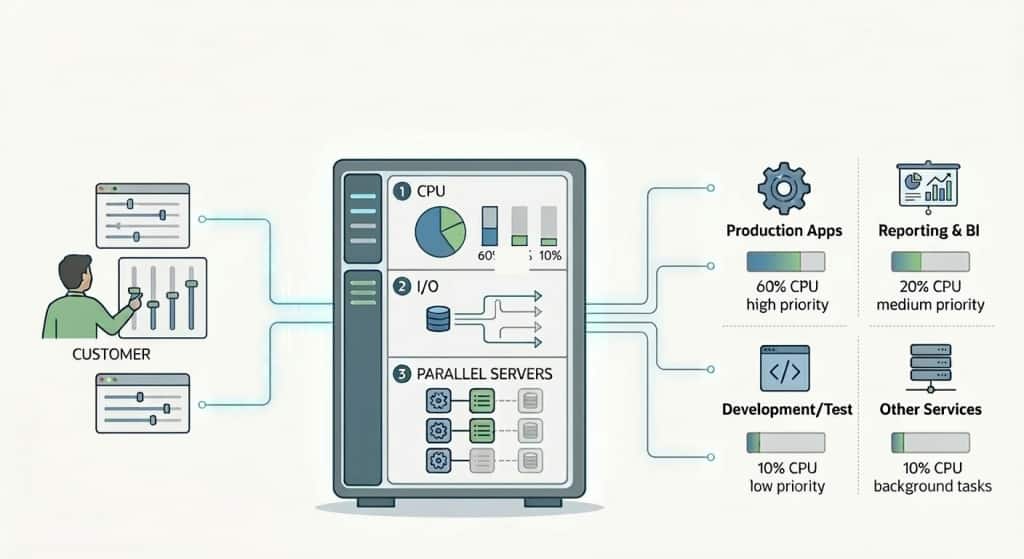
Autonomous AI Database provides a default Database Resource Manager plan (DBRM) to manage resource allocation for your workloads. This plan defines several database services each of which is mapped to a consumer group with different CPU/IO, parallelism, and concurrency assigments. You can change the CPU/IO shares for these groups, change the concurrency level for the MEDIUM group, and set rules to stop queries that do more IO or spend more time than the thresholds you can set.
This default setup works fine for most of our customers. But, for customers who want to create their own consumer groups and plans, and manage resources themselves, we recently introduced custom DBRM plan support. You can now create your groups and assign different resources and rules to them. The documentation has a nice example you can use as a starter.
One of the common questions from our users is how to set a rule to time out a session waiting in the parallel statement queue. Luckily, the example plan we provide in the documentation answers this question. You just use the parallel_queue_timeout and parallel_queue_timeout_action parameters of the create_plan_directive procedure. The relevant section in the code example there is:
CS_RESOURCE_MANAGER.CREATE_PLAN_DIRECTIVE(
    plan                          => 'OLTP_LH_PLAN',
    consumer_group                => 'LH_BATCH',
    comment                       => 'Lakehouse/reporting workloads',
    shares                        => 4,
    parallel_degree_limit         => 4,     -- cap DOP within this group (adjust as needed)
    parallel_queue_timeout        => 60,
    parallel_queue_timeout_action => 'CANCEL'
  );
In that example, the timeout is set to 60 seconds and the timeout action is set to “CANCEL”. This means if a parallel statement waits in the queue for more than 60 seconds, it will be cancelled and the client will get an error. The app, in that case, can decide what to do after the error. You can also choose to get the statement out of the queue by setting parallel_queue_timeout_action to “RUN”, in which case the statement will run and get any possible degree of parallelism it can depending on how many processes are available in the system.
Let us know if you have any common or interesting cases we need to cover in our documentation.