
We are excited to announce a free tool that will help developers quickly develop and deploy applications into Oracle Cloud Infrastructure. The Oracle Cloud Infrastructure Toolkit for Eclipse integrates with the Eclipse Integrated Development Environment (IDE) to provide access to Oracle Cloud Infrastructure services.
The toolkit provides a set of features that help developers connect to Oracle Cloud Infrastructure from within Eclipse. For example, by using the toolkit, you can deploy a project to the cloud by using the Object Storage feature to upload multiple files in one click. The Compute feature enables you to start a compute instance or restart it if needed. You can also switch between multiple accounts and regions from the Eclipse IDE.
Oracle Cloud Infrastructure Toolkit for Eclipse Features
Accounts access:
- Authenticate securely to an Oracle Cloud Infrastructure account from the toolkit
- Switch among multiple accounts
- Switch among multiple regions
- Switch among multiple compartments
Object Storage (Overview of Object Storage):
- List and view buckets
- Create and delete buckets
- List objects inside bucket
- Download, upload, or delete multiple stored objects
Block Volume (Overview of Block Volume):
- View block storage volumes
Compute Instances (Overview of Compute):
- View, start, stop, and reset compute instances
- Show attached block storage volumes
- Show public IP addresses
Toolkit Demo
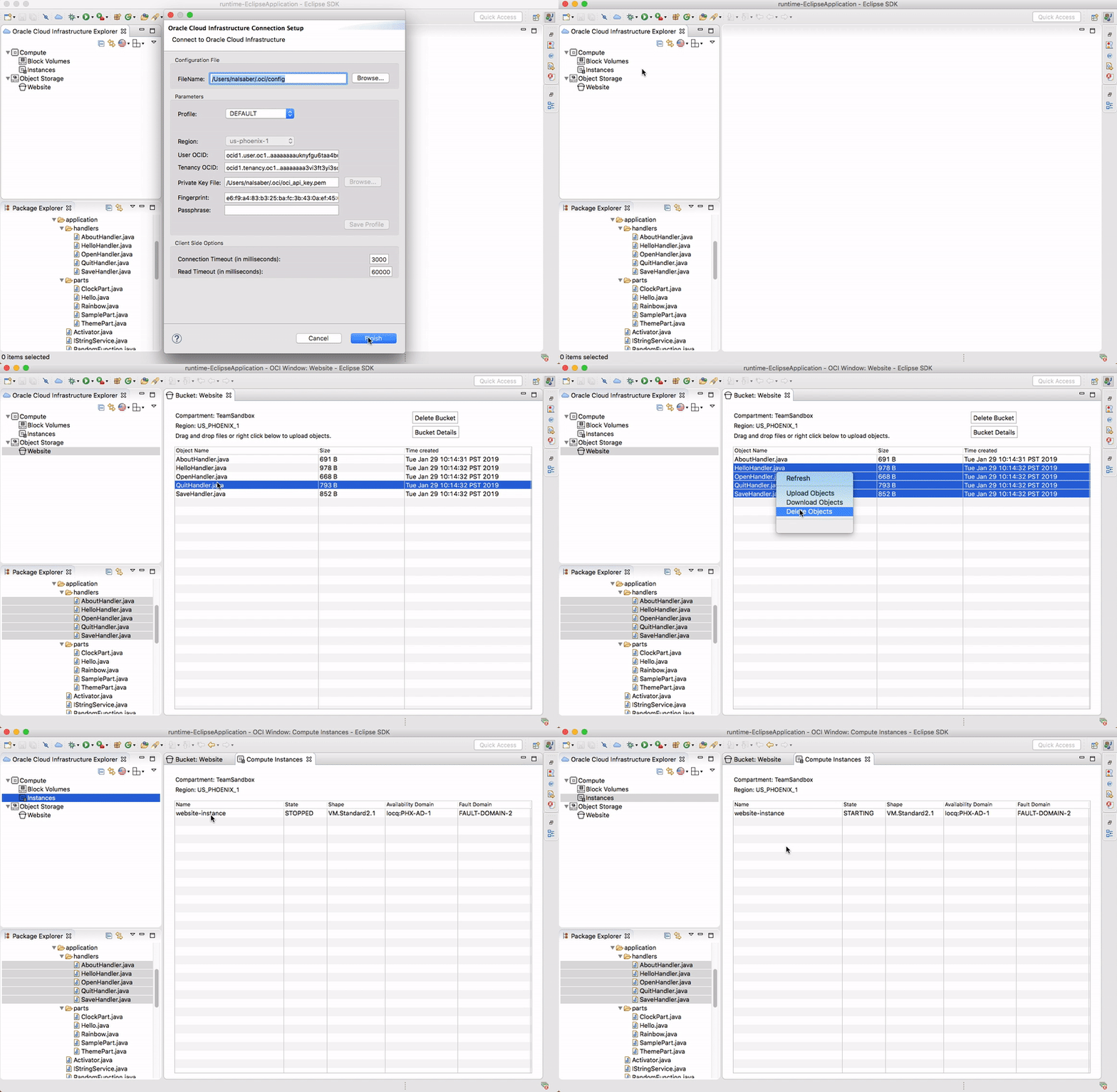
The following video demo shows some of the above features: how to upload your project files to Oracle Cloud Infrastructure from Eclipse in one click, and how to control compute instances.
Supported Environment
- Operating systems: Windows, Linux, macOS, and UNIX
- Eclipse IDE for Java Developers 4.3 or later
Availability
Oracle Cloud Infrastructure Toolkit for Eclipse can be downloaded from the Oracle website.